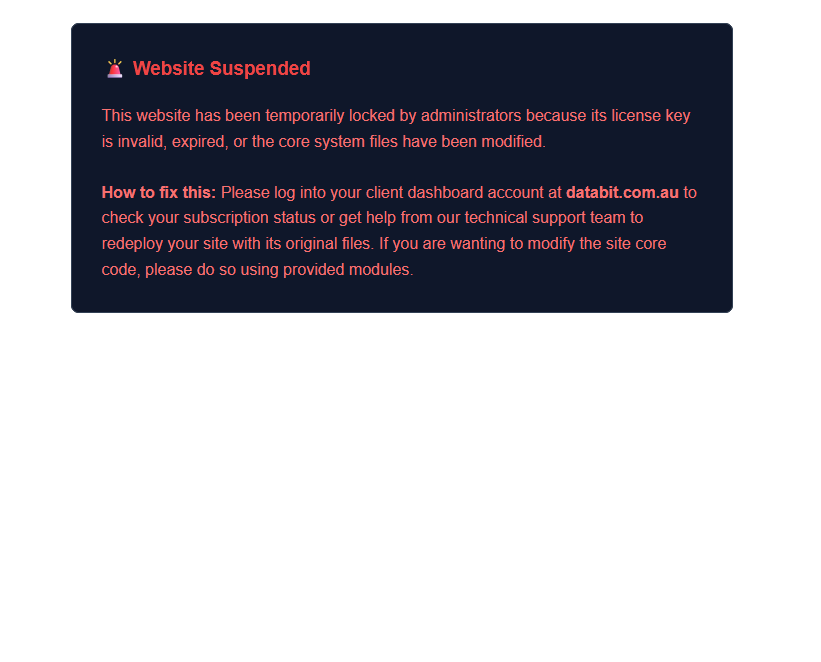
1) Visit your https://hub.databit.com.au client hub and redownload the installer for your required fleet site 2) Login to your cPanel and backup your shared_includes/company-metadata.php file so you don't have to re-enter it all. Your database should be safe but take a backup of that via your cPanel also. The only files you should have to backup/rename temporarily is your logo.png and favicon.ico files if you don't have a copy already which are located in public_html/assets/images folder and shared_includes/assets/images which is your global site logo and invoices logo in html view. PDF invoices dont have a logo. 3) Delete the hidden file .system_license_lease.json in your public_html folder. If you cant see it you will have to click on your file manager settings on the top right and tick show hidden files. 4) Run the Installer with your saved credentials as per the original install process. If you have not updated your PHPVersion setting in cPanel you should still have the configurations in there correctly set, updating the version resets all the limits to base standard settings which limits upload sizes and process time. Then once installed run an update again in your admin dashboard, Core Platform Updates to regain the current version status. Restore your company-metadata.php file and/or upload your logos and you should be back in business. 5) If you're wishing to add a new feature or change, make a request with specific details in the admin panel, Report Bug / Request Feature menu, send us a support ticket or message us via our contact form. 6) The subscription to white label and remove ads is pretty cheap, you can do this in the client hub, Manage My Fleet section.

Conversational Replies
No replies posted to this conversation loop yet.