Forums » Thread
Follow These Steps to Complete Your cPanel Setup
Opened by: dbadmin • 14 Oct 2026 14:25
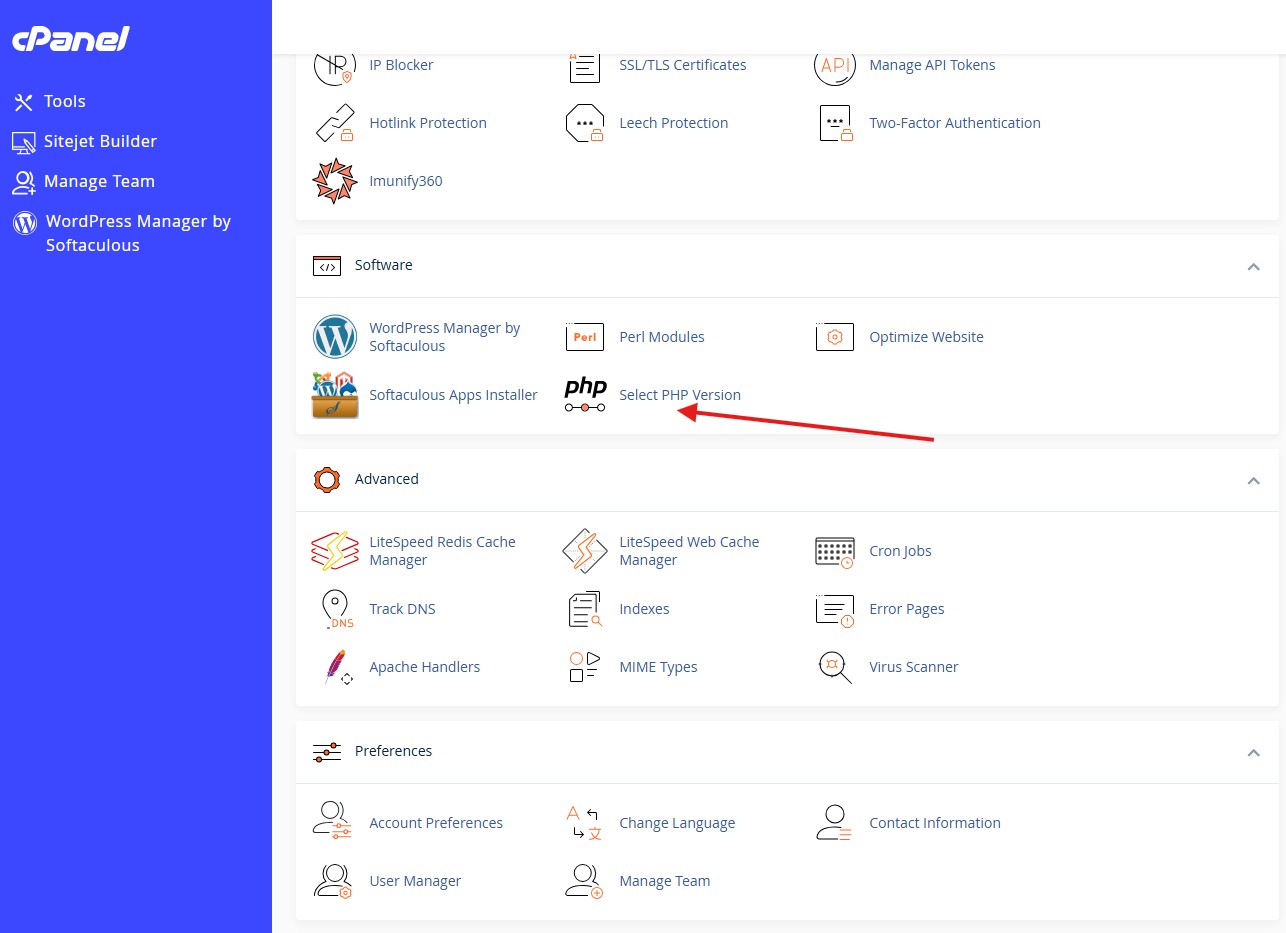
This is just a few clicks and some changes, nice and easy

Conversational Replies
👤 dbadmin
Staff Team
💬 Posted 14 Oct 2026 at 14:37
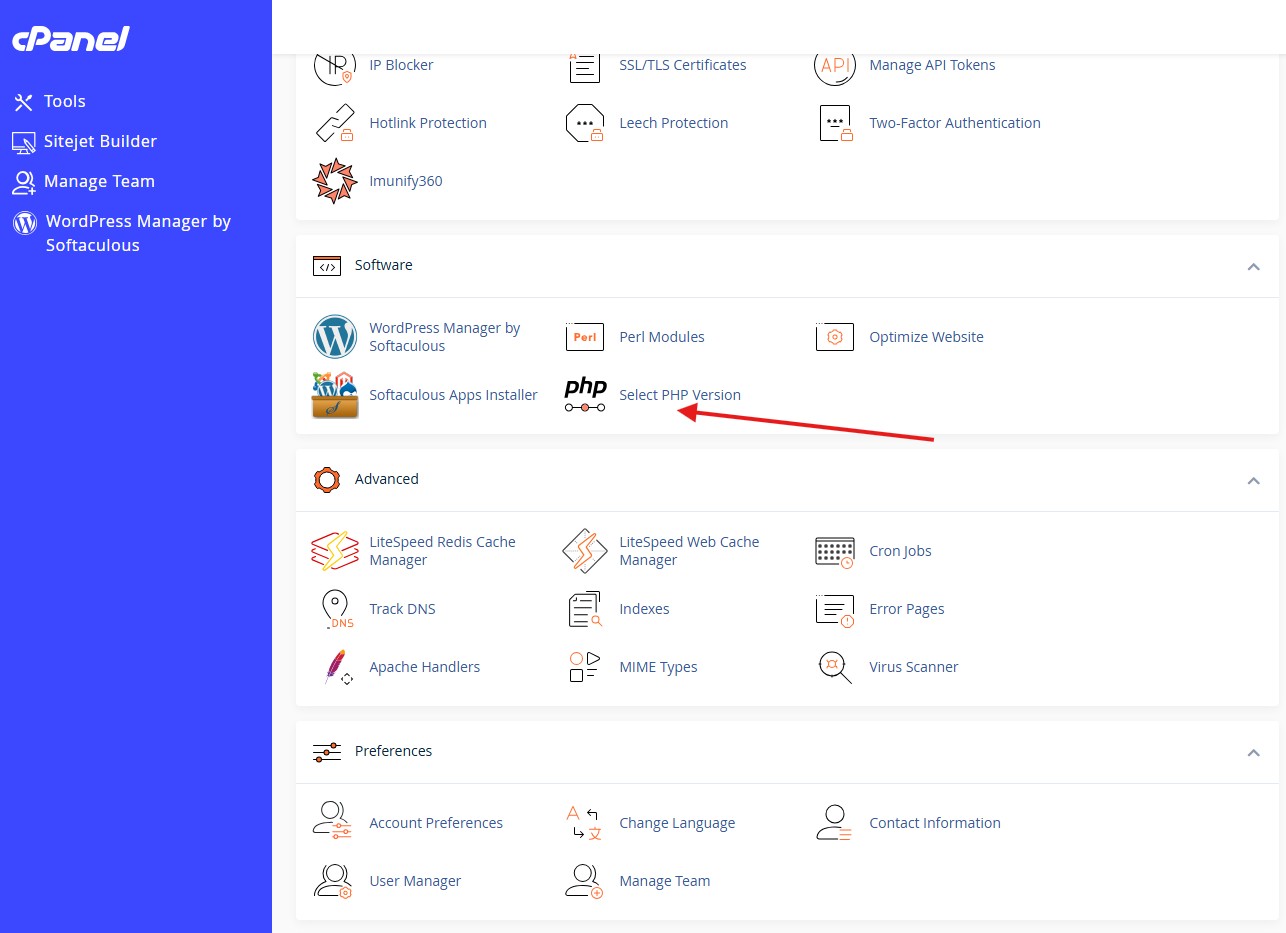
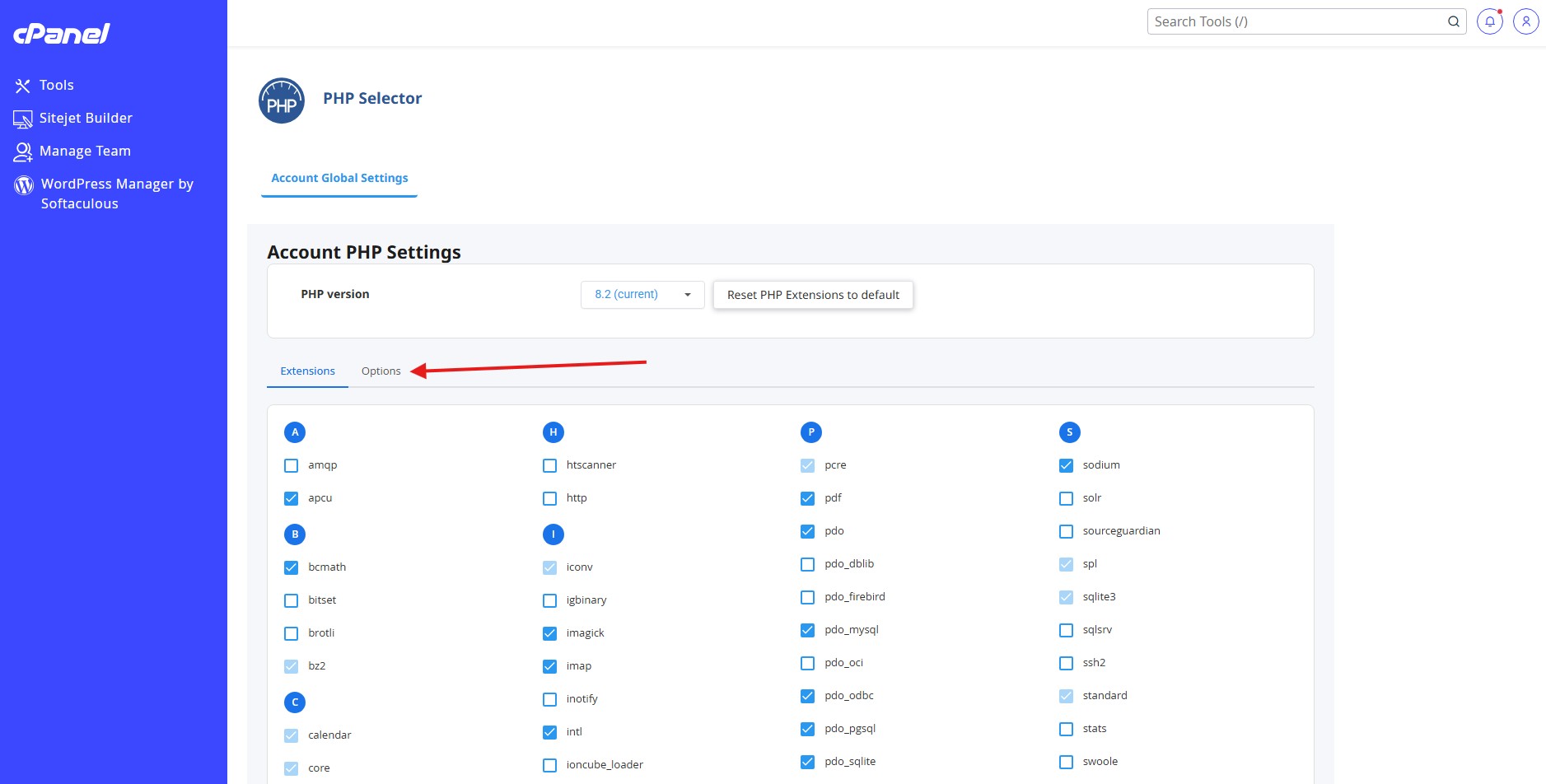
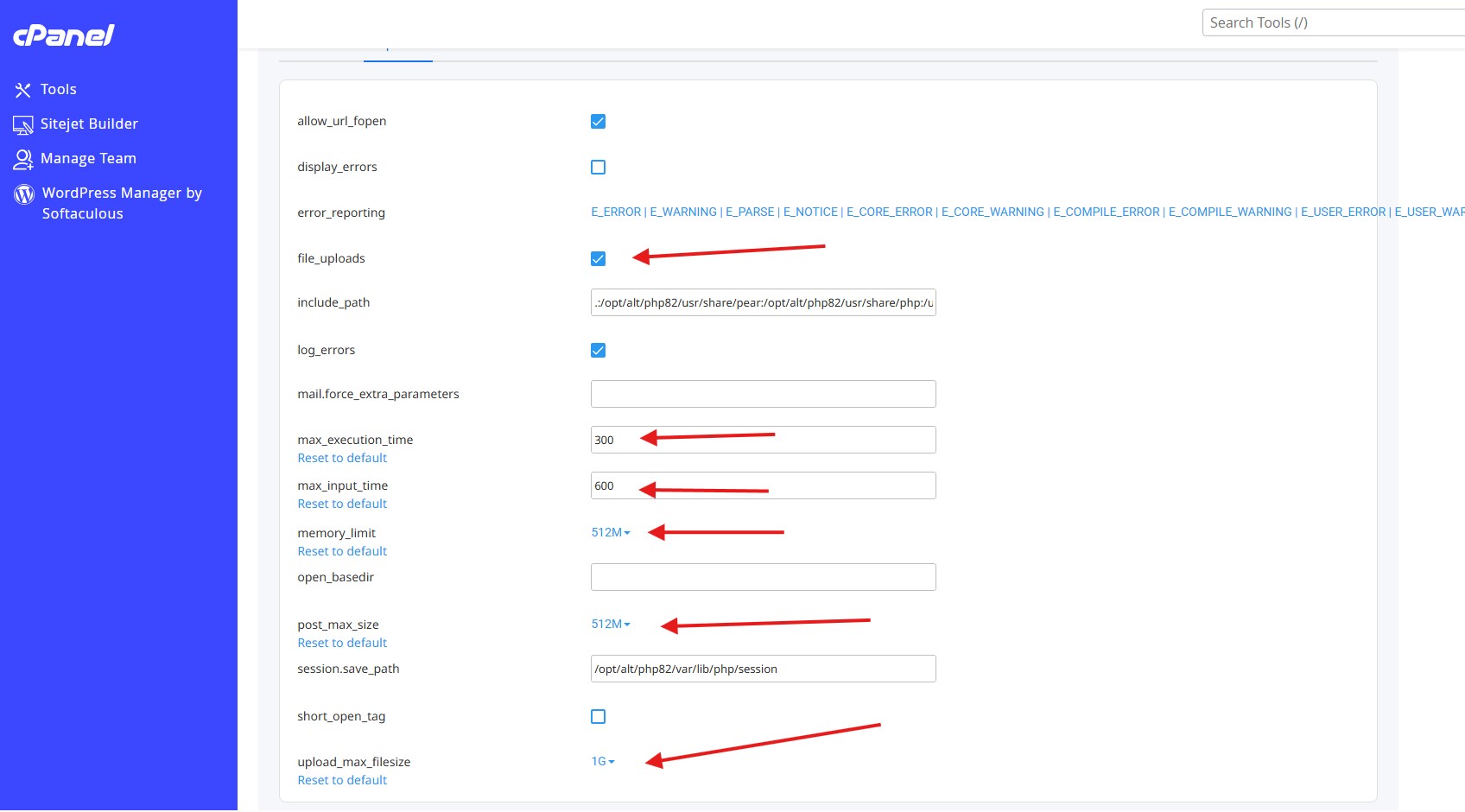
1) Click Select PHP Version 2) Select Options 3) As pictured - Enable file_uploads - enable log_errors (If you need help we can look at these) - put 300 for max_execution_time (this allows plenty of time for large vendor .csv feeds) - 600 for max_input_time - select 512M for memory limit if your site gets busy or large files - same for post_max_size - make your upload_max_filesize as big as you like 1G should do though 4) It just saves on the fly here. your done. Next you install your website and learn all about it!