Install Your New Website and start Customising it
Lets run through installing the Software Suite we have made

Conversational Replies
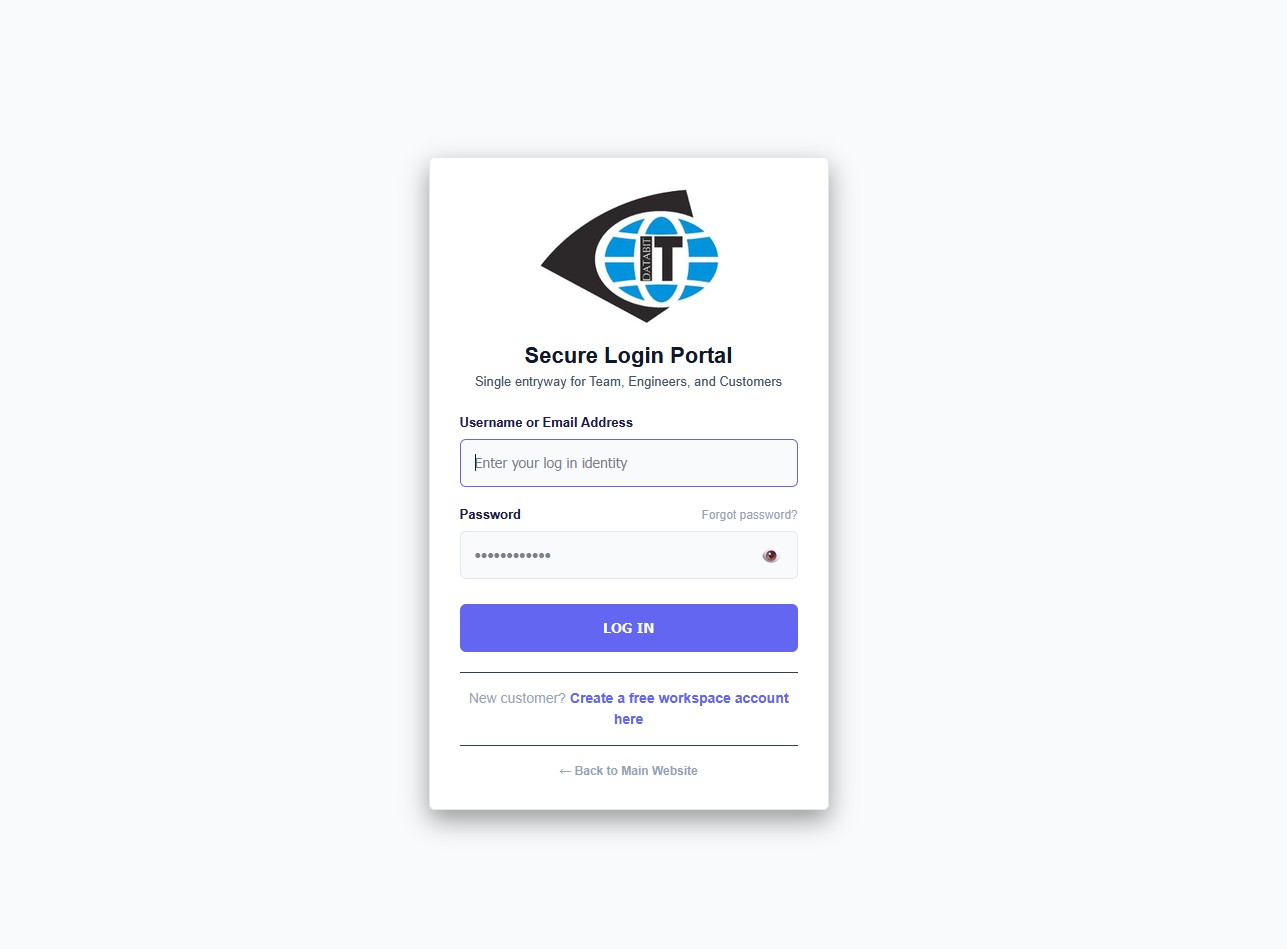
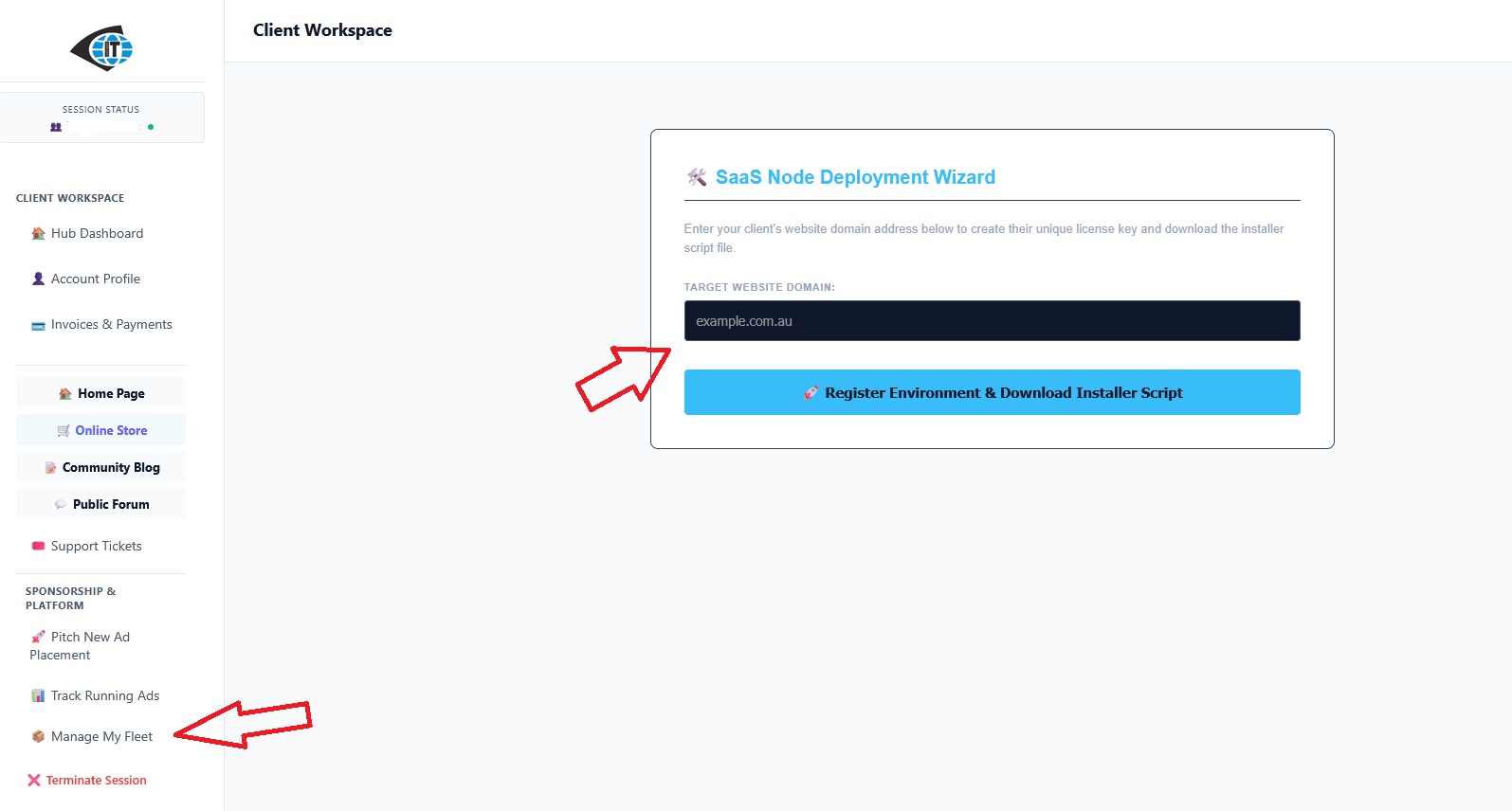
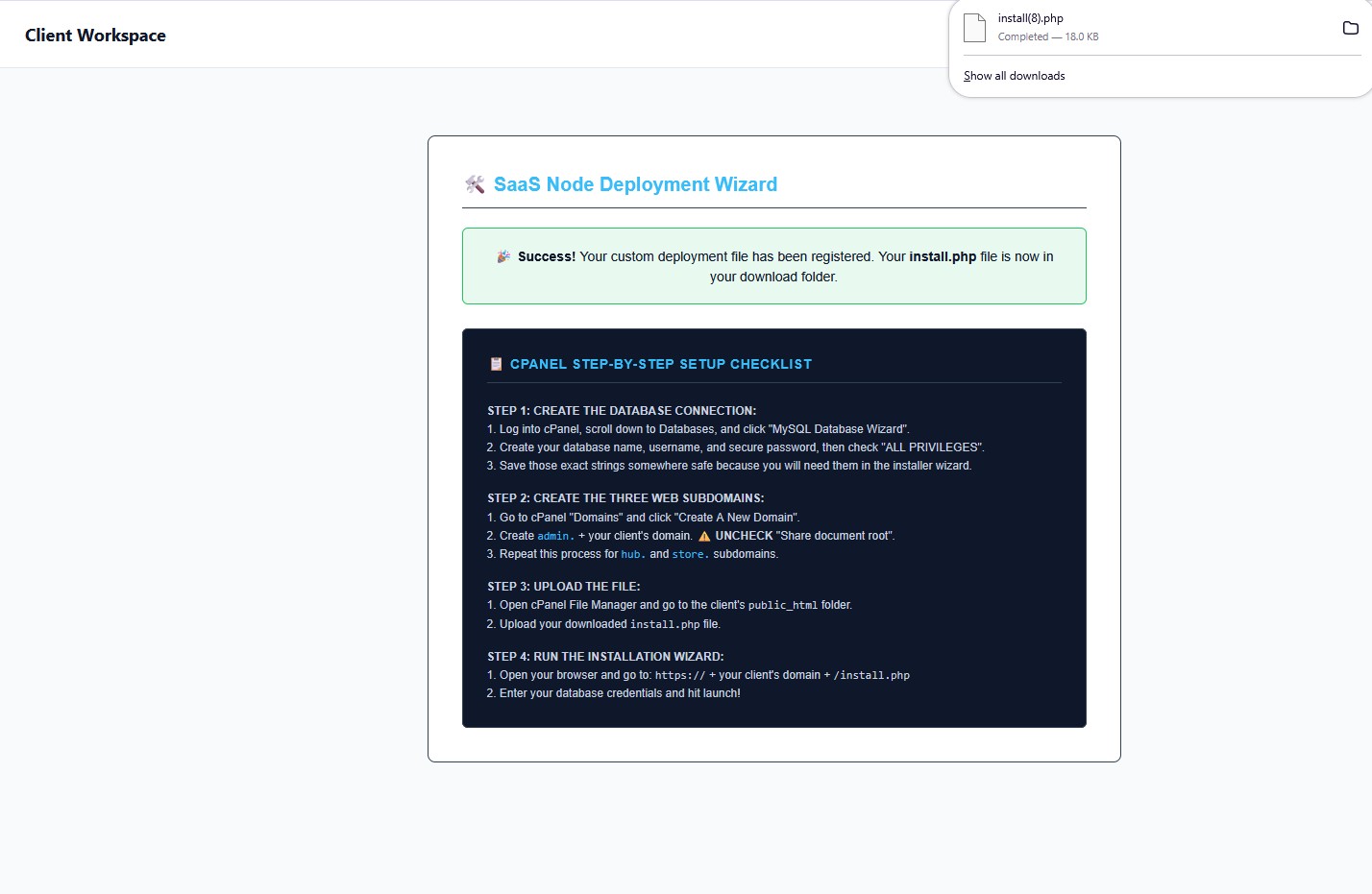
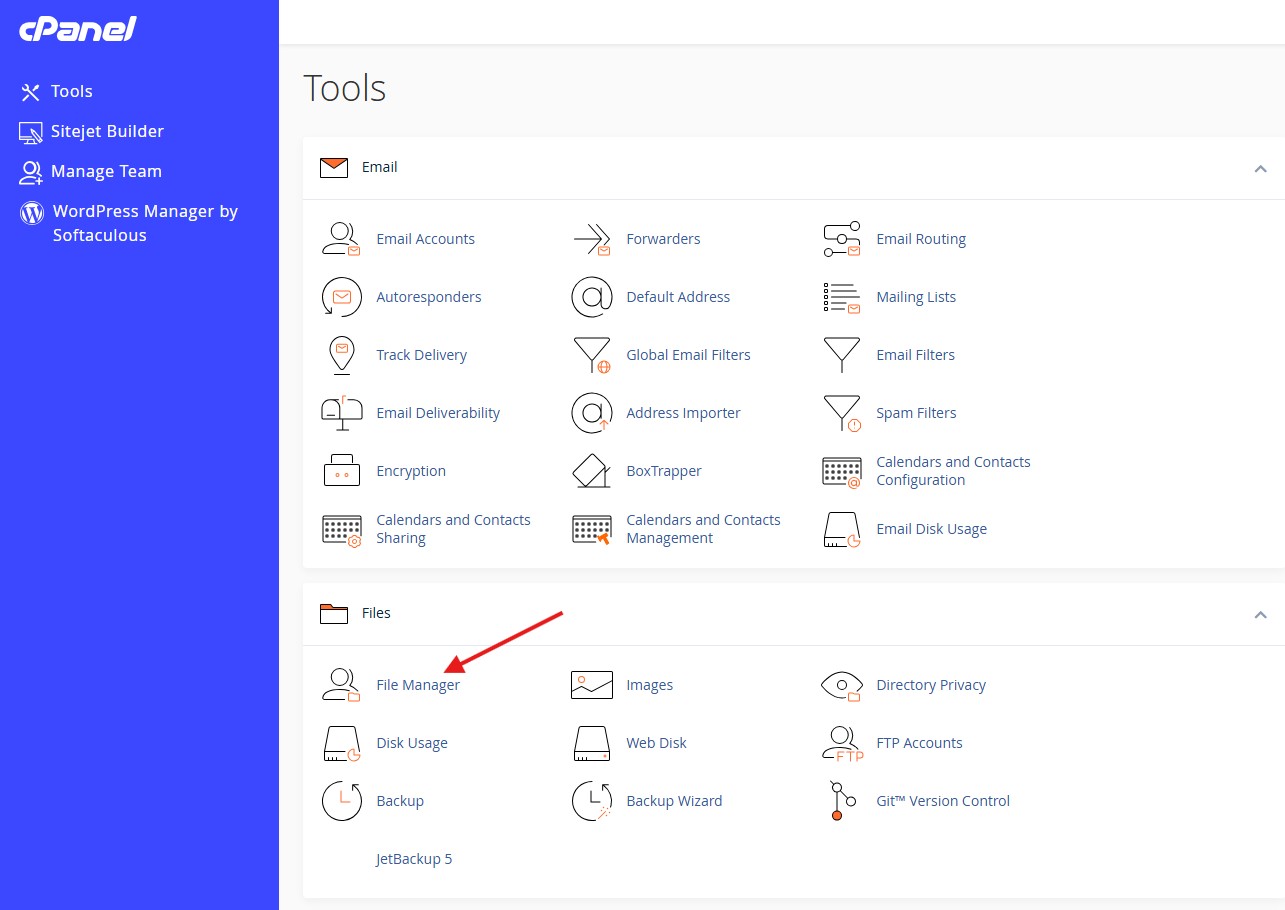
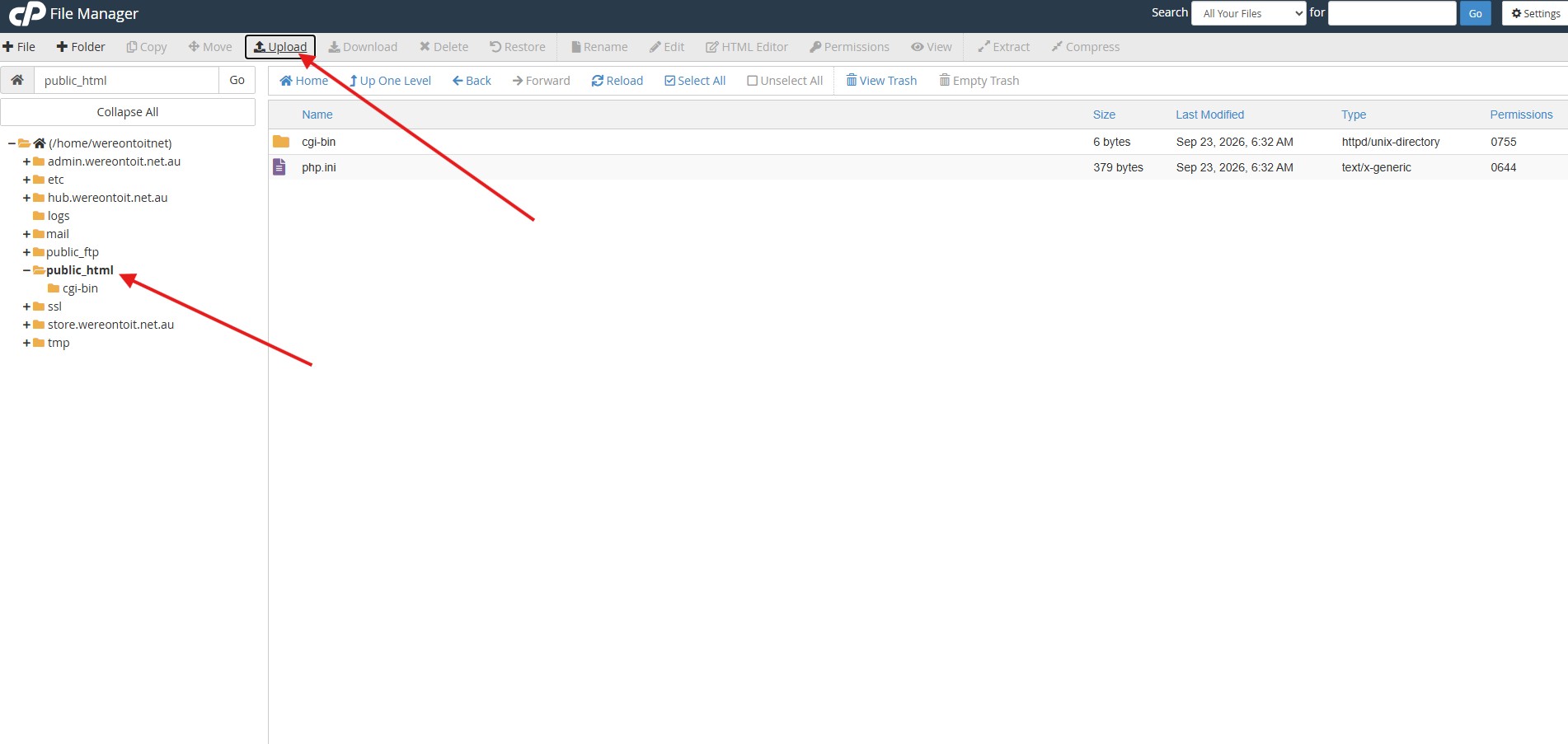
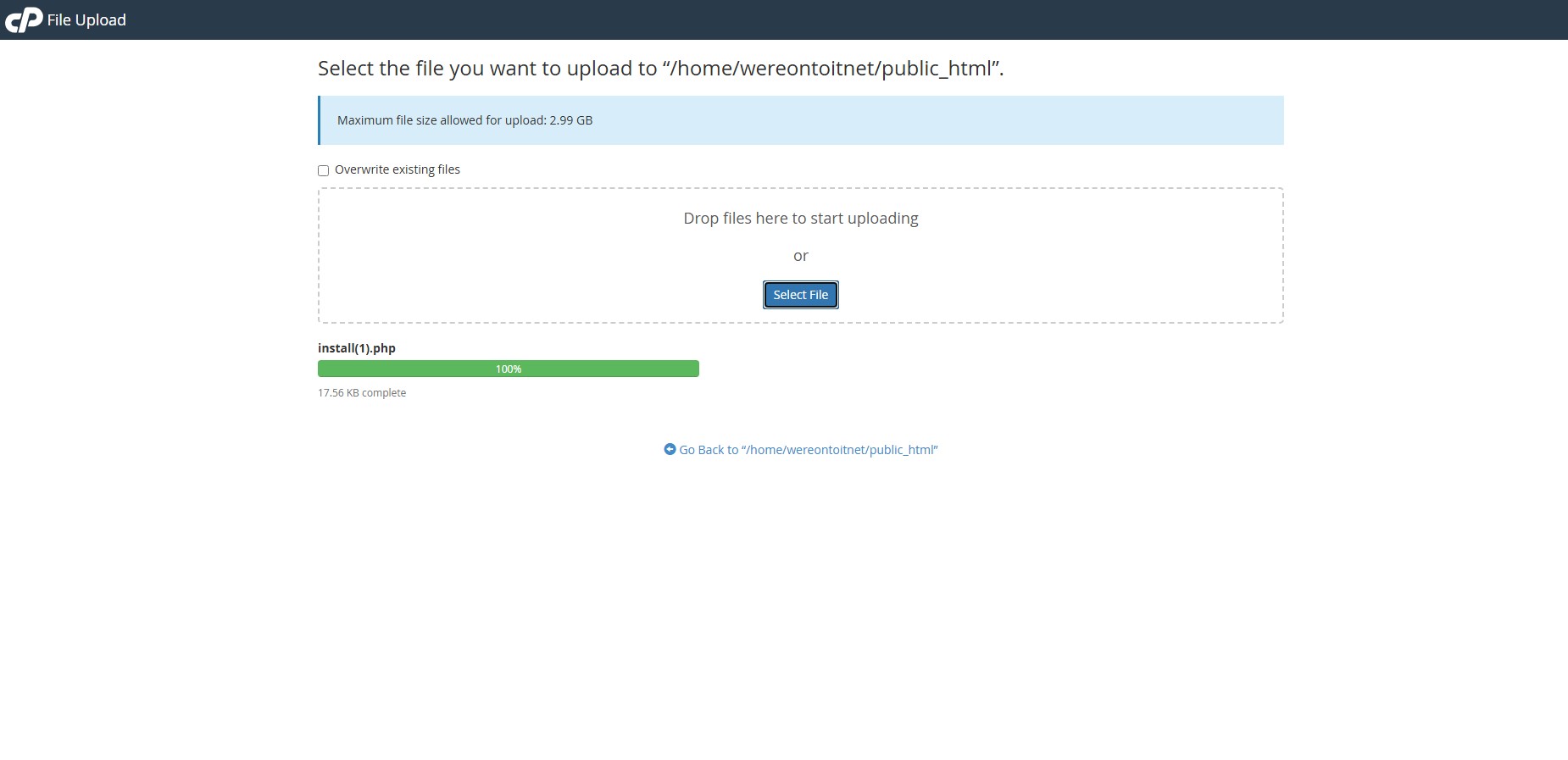
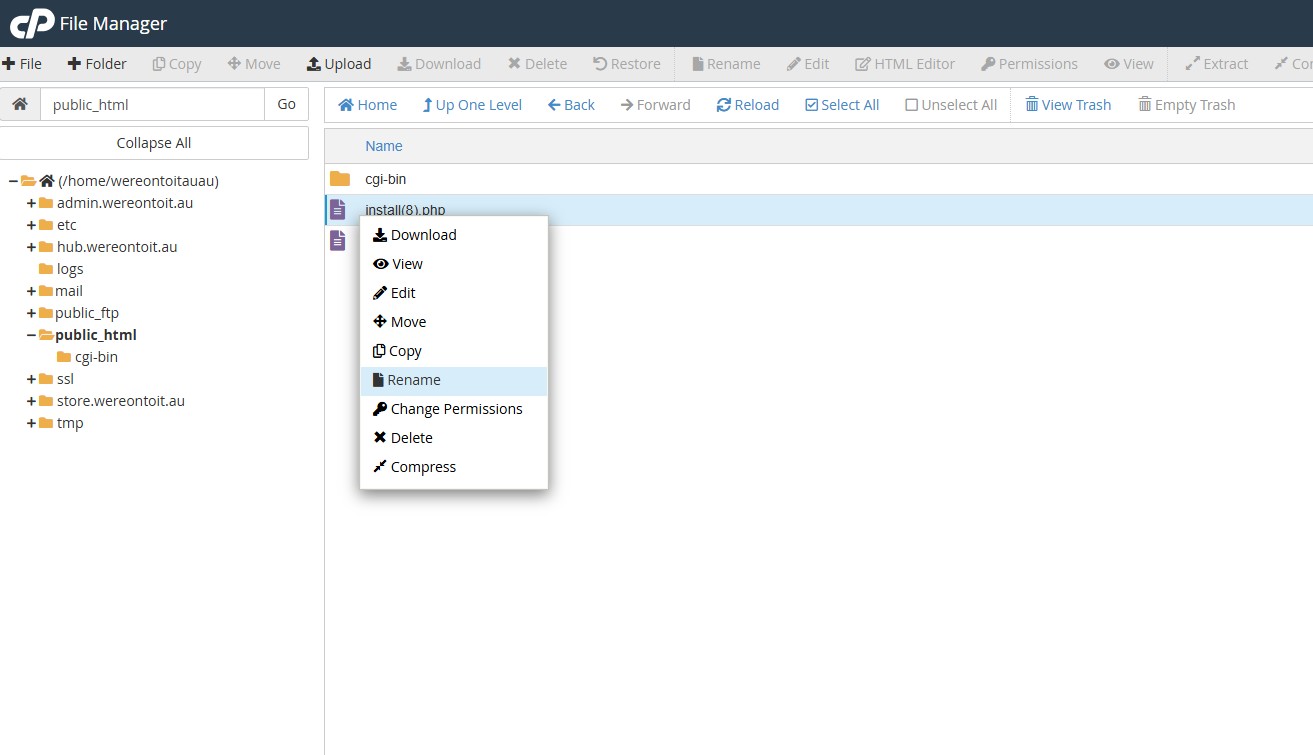
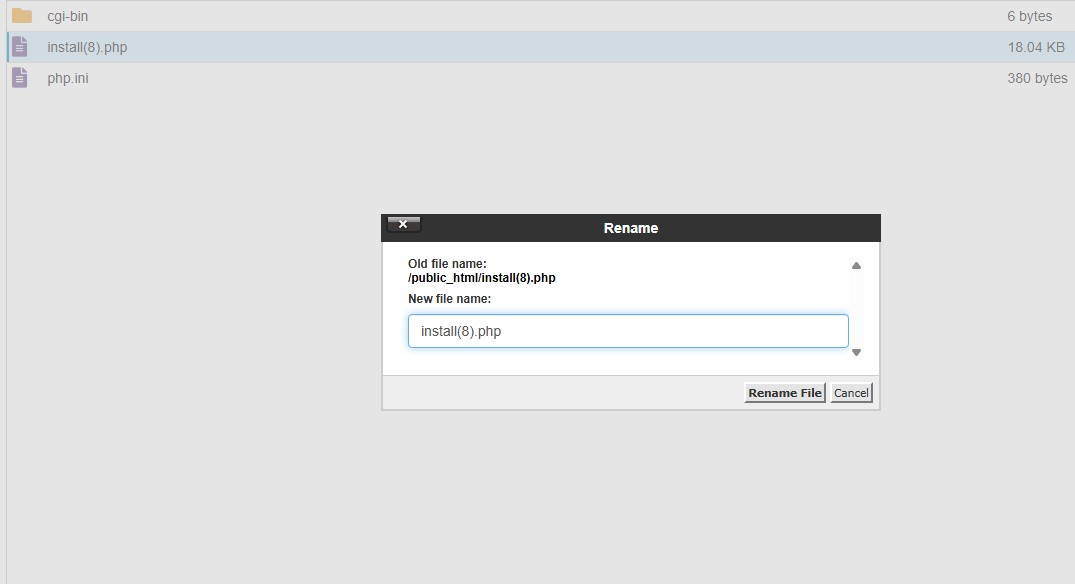
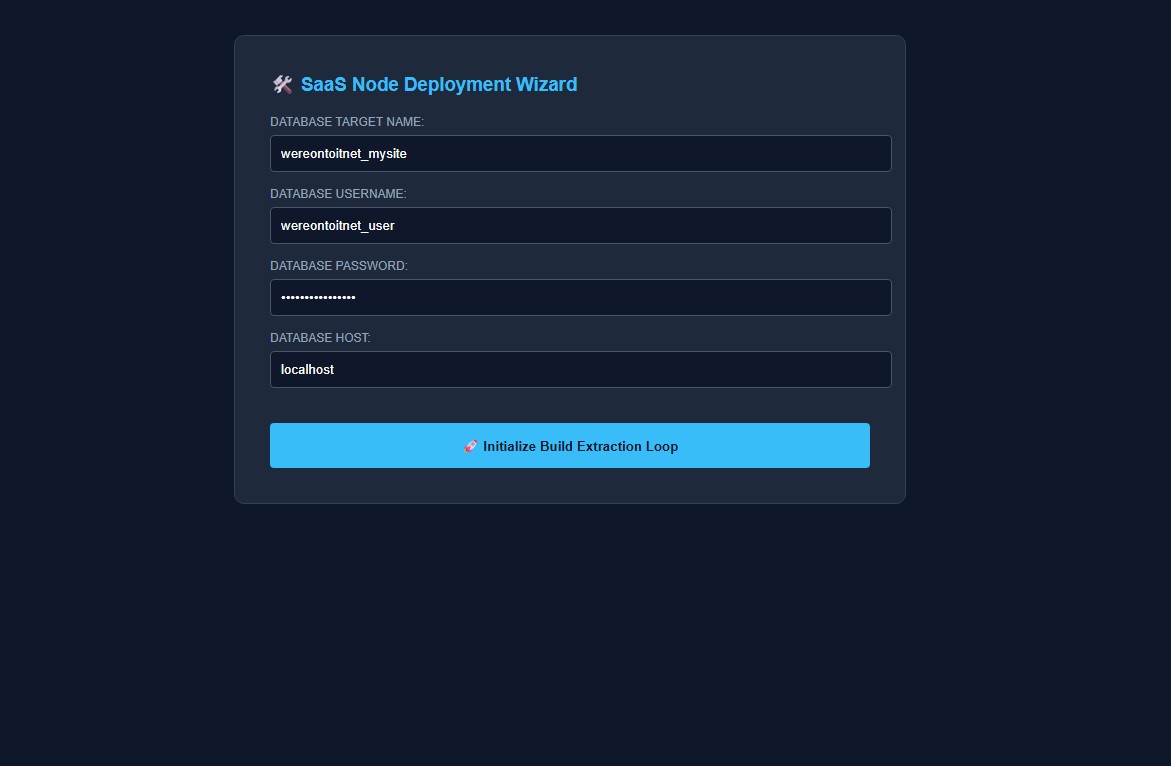
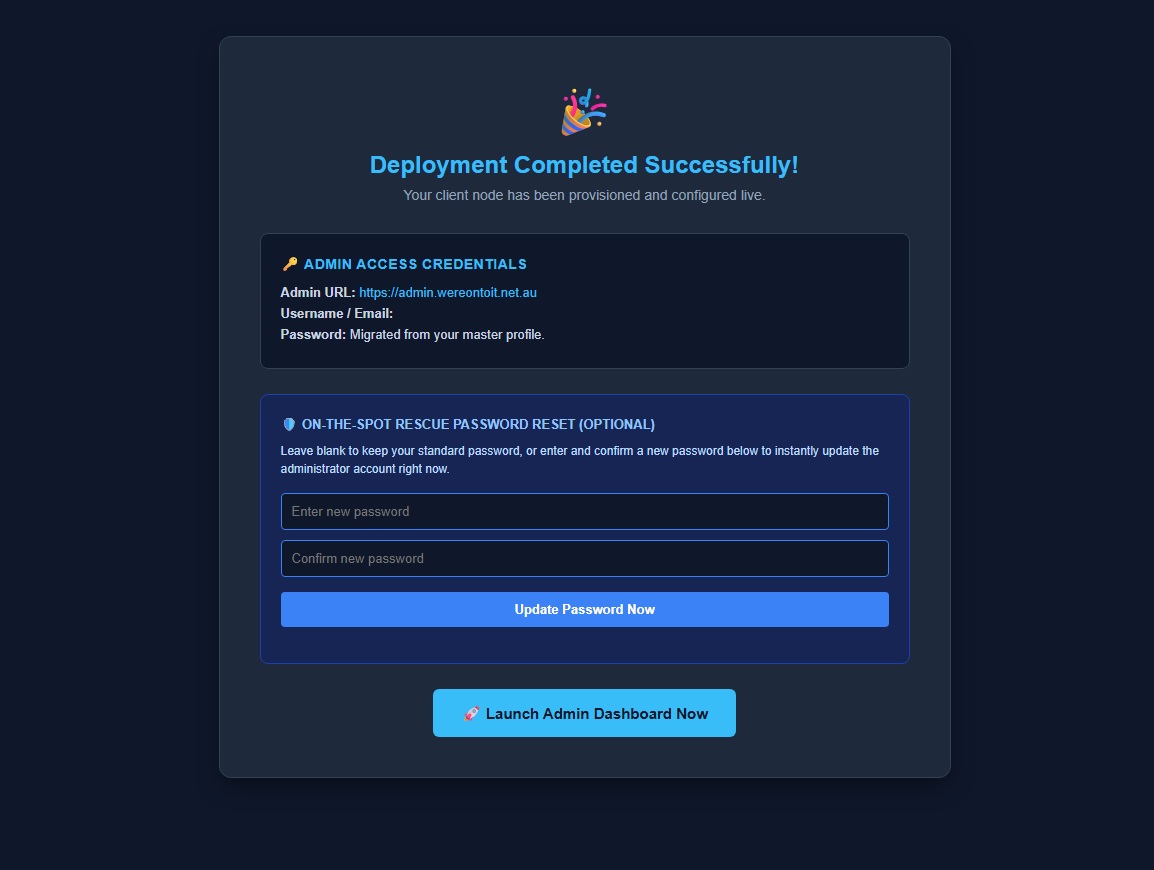
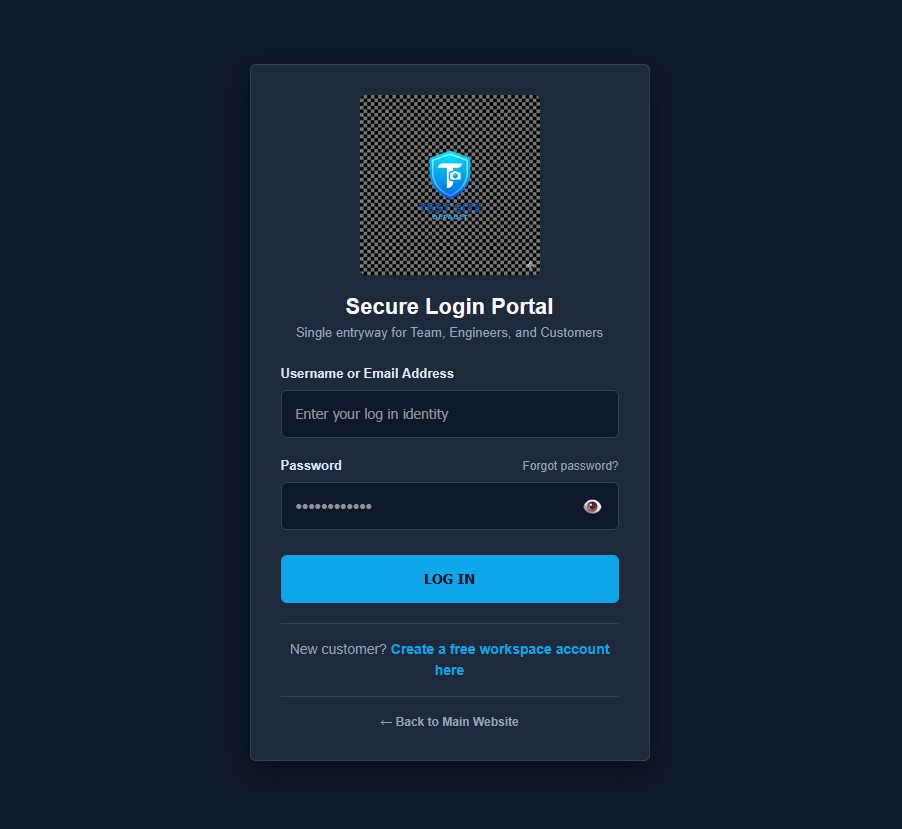
1) Create an account at databit.com.au, verify your email address (if you havent done this already) 2) Navigate to the client hub and in there click Manage My Fleet on he left side menu bar 3) Select Deploy a free Node (You can come back and upgrade to white label later, just try it out) 4) Type in your domain name you wish to install the site on 5) You will get a success message and a download will occur (install.php) 6) Upload this file in your cPanel to your public_html folder root directory 7) You may have downloaded this before, rename back to install.php 8) Browse to the install file in a browser eg https://wereontoit.com/install.php 9) Enter your database details and run the installer 10) A success message will appear 11) Login to your admin dashboard and make your self familiar with the site. You are now in the admin backend dashboard for your site, only you can get into this area. This is where you will setup your company details, bank account numbers which appear on your invoice, email account for sending emails, business name, your CMS colours and themes, public front facing webpage with service cards and images. Your blog, customer forum and online store products. Manage invoicing, add freight to orders and mark pending approval for the customers end, mark payments, send purchase orders from your vendor feeds and so much more. Thats a whole other forum topic which we will do for each part of the system. Your customers also have a similar dashboard at their end where they can view and approve their invoice charges before they pay for items from the store etc. They can pay invoices by paypal or use your bank deposit details to send payment. In the meantime, explore the site, create yourself a customer account too so you can see what they see and test everything out. There are some magic import tools in the product manager. If your vendors have live product feeds, you should be able to obtain a .csv file from them with rows of items they provide. There should be an SKU, name, description, wholesale price, image link etc to their site (or you can add images) You add a markup and the site does the rest. That's just a brief overview, if you are savvy you will be able to work it all out before we get to creating guides on it all. We are here to help, just ask a question or create a topic and your answers will come. Once its all built look at marketing and promoting your site. Thankyou for downloading, enjoy and we wish you success in your online store.