Setting up your cPanel to Host our Website Software
Trying to get away from the big online store/shop companies and from taking chunks of your profits or setting up from scratch is not really difficult. If you follow these steps it should all work out fine. Take your time, double check everything as you go and follow the directions. Once you have done this, then you can move onto downloading our software and installing in on your own website.

Conversational Replies
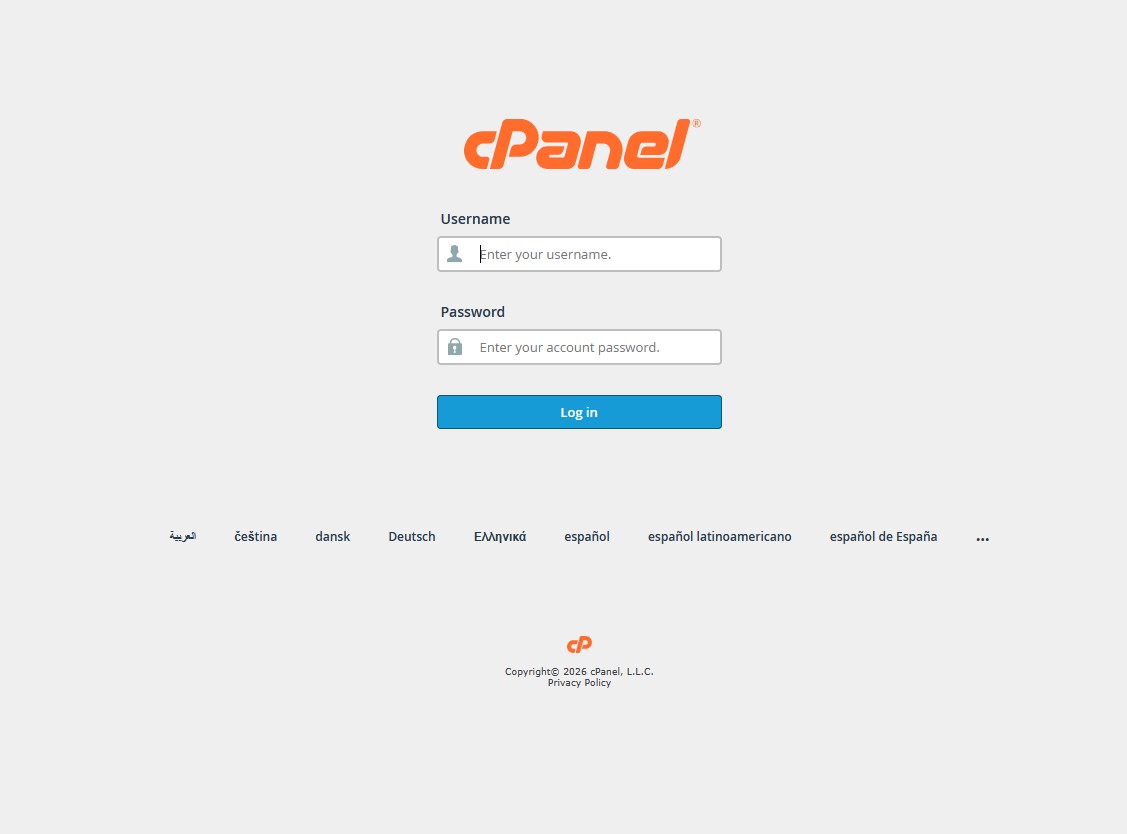
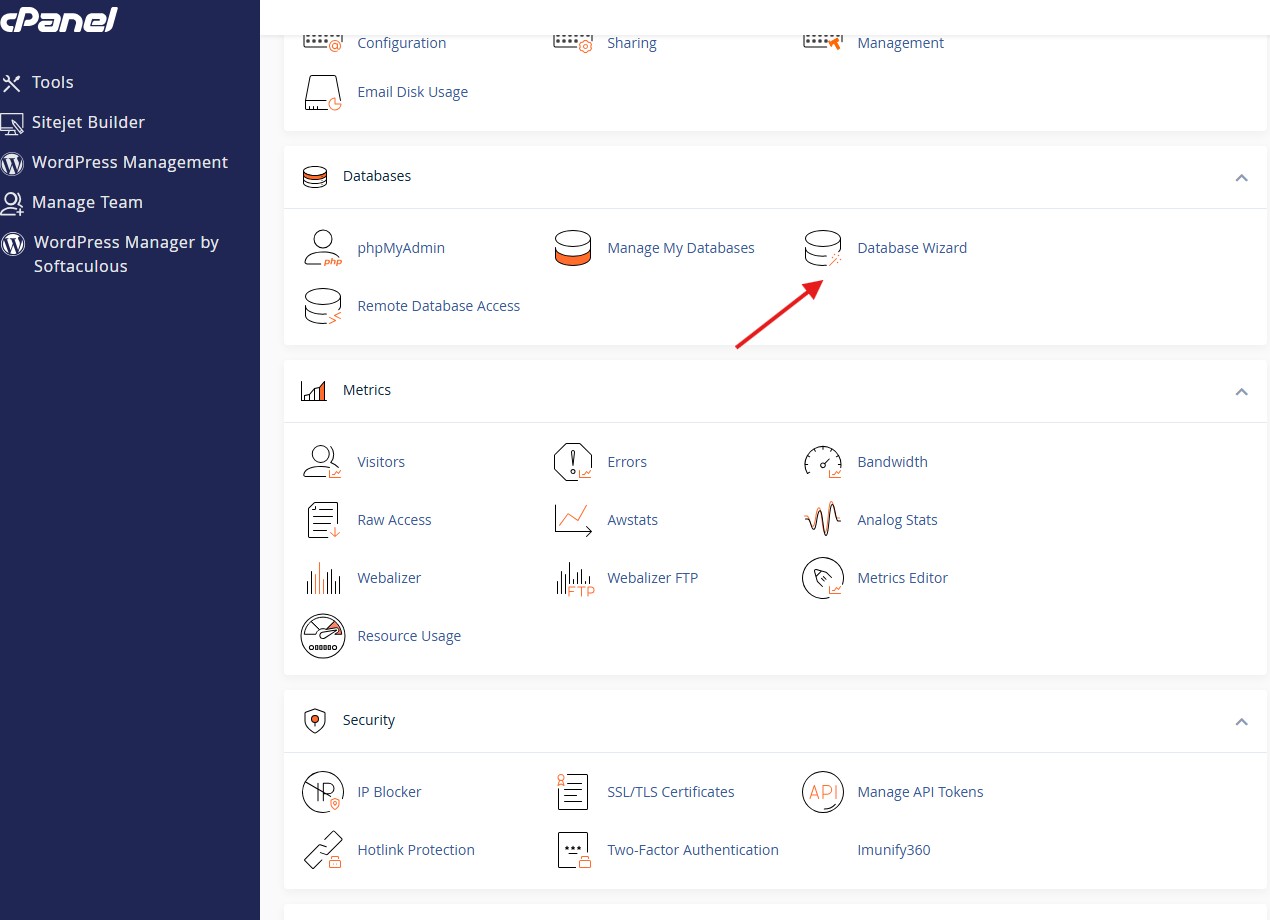
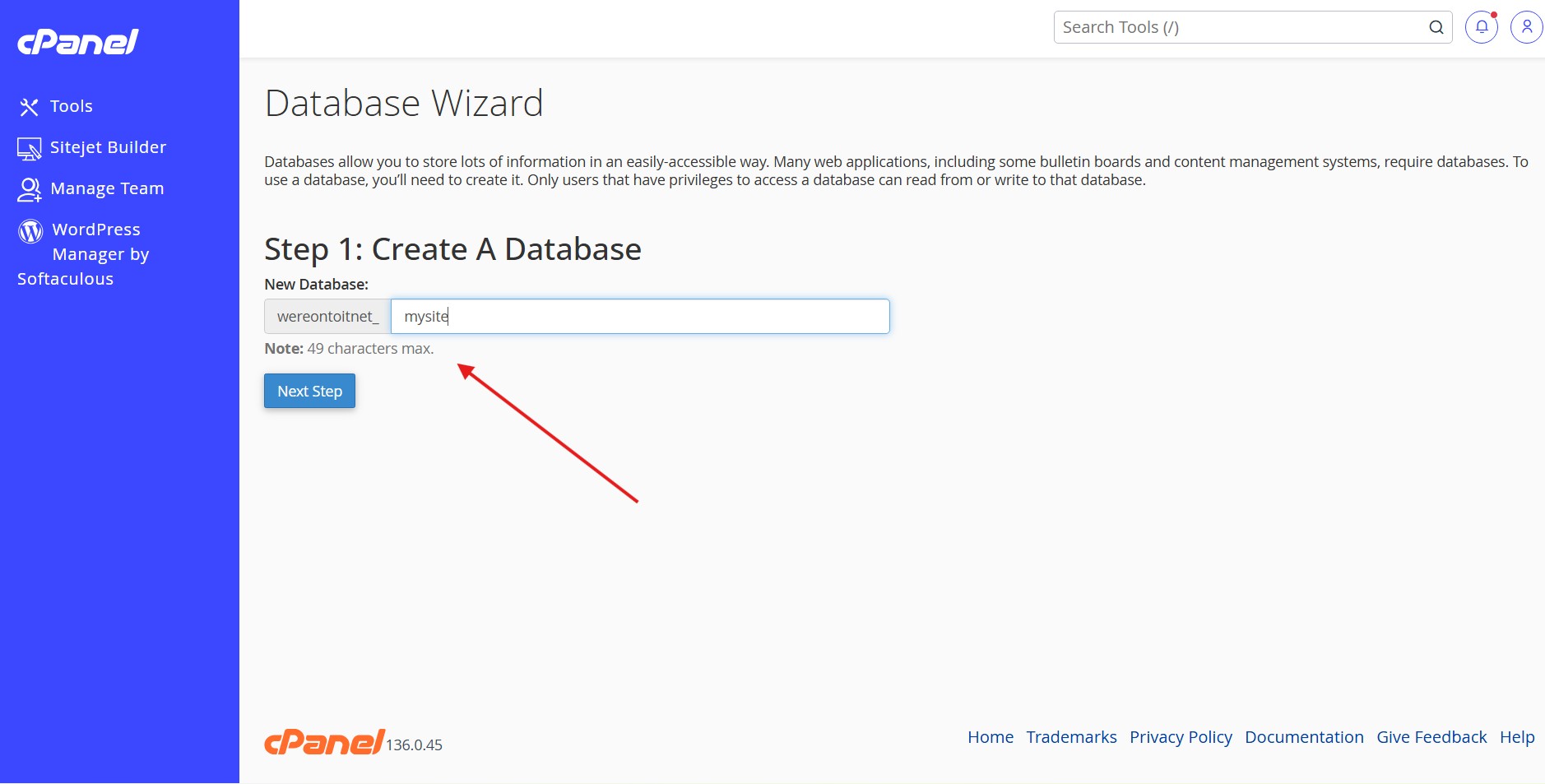
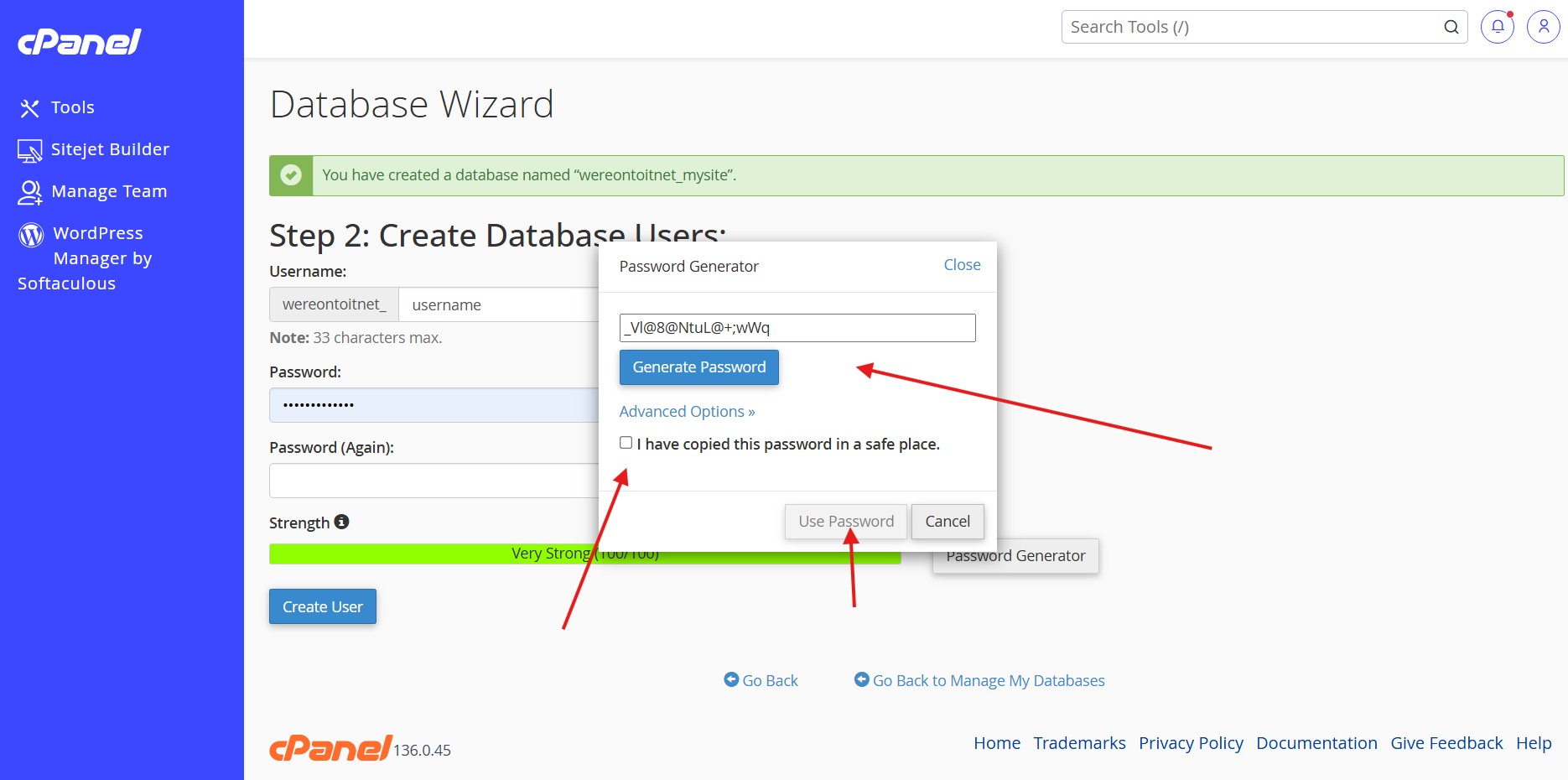
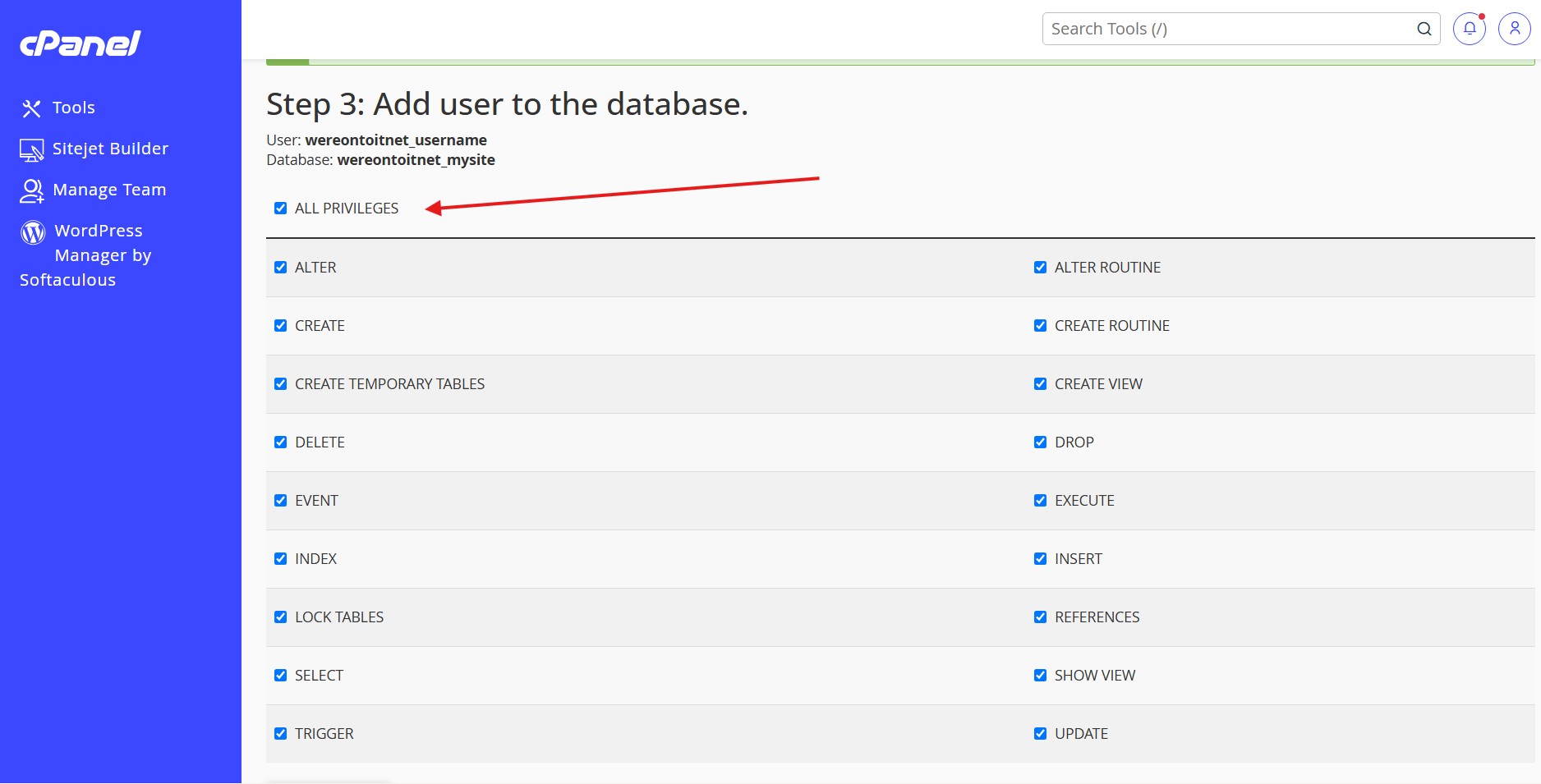
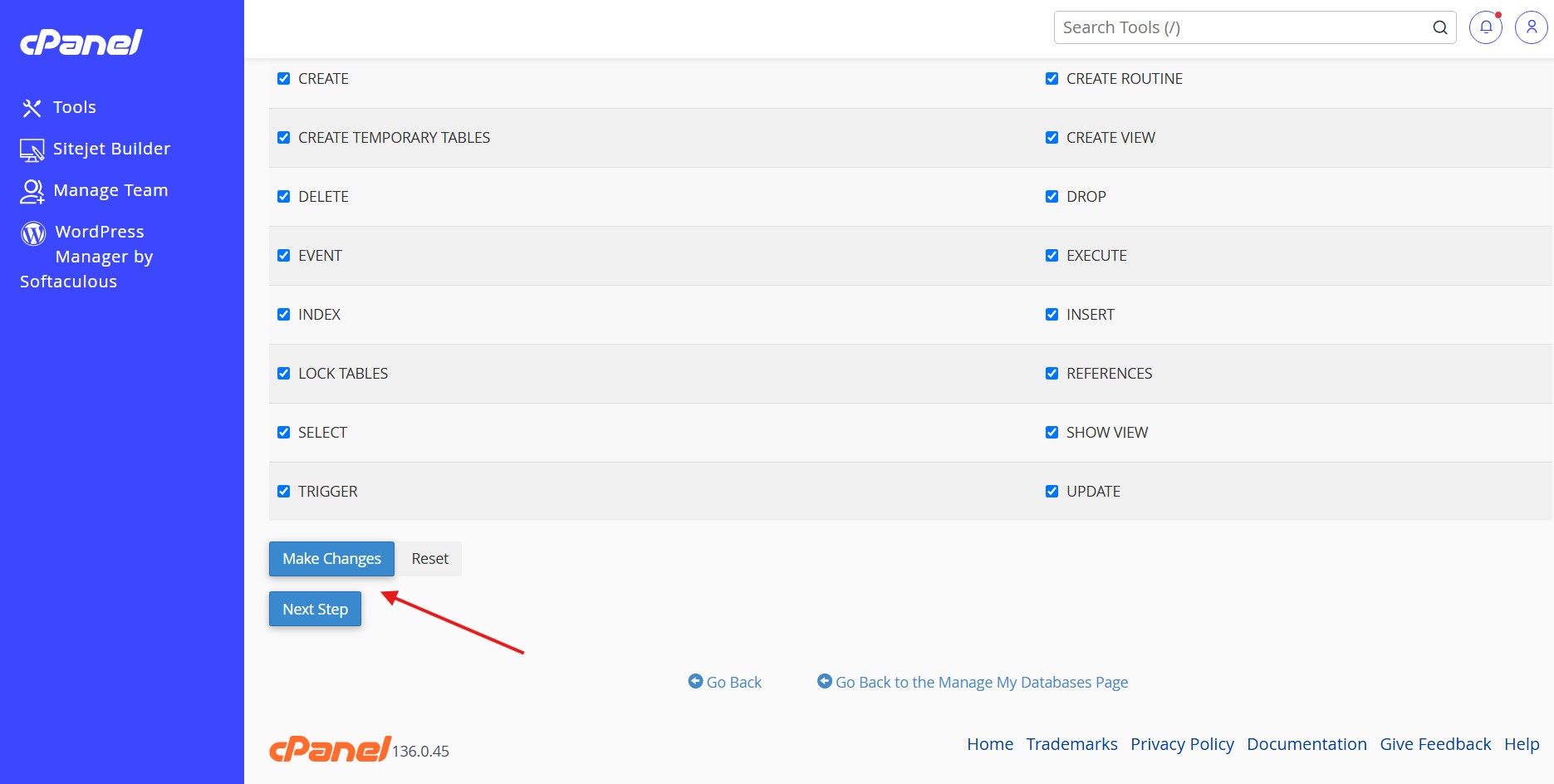
These are the first steps to take once you have a cPanel hosting package 1) Login to your cPanel 2) Navigate to Database Wizard 3) Create a database (Any Name not already used) 4) Add a database user (Any name not already used, generate and save the password somewhere or use your own) 5) Select all permissions for the user 7) keep those details somewhere so when you install the website software you can refer to the database details.